
Step 1
Choose notes to transform
Select one or more notes, notebooks, or folders in AI Studio.
Visual Digest · Pro
Turn selected Weavernote notes, notebooks, or folders into an AI-generated infographic, mind map, timeline, comparison chart, flowchart, or visual poster.
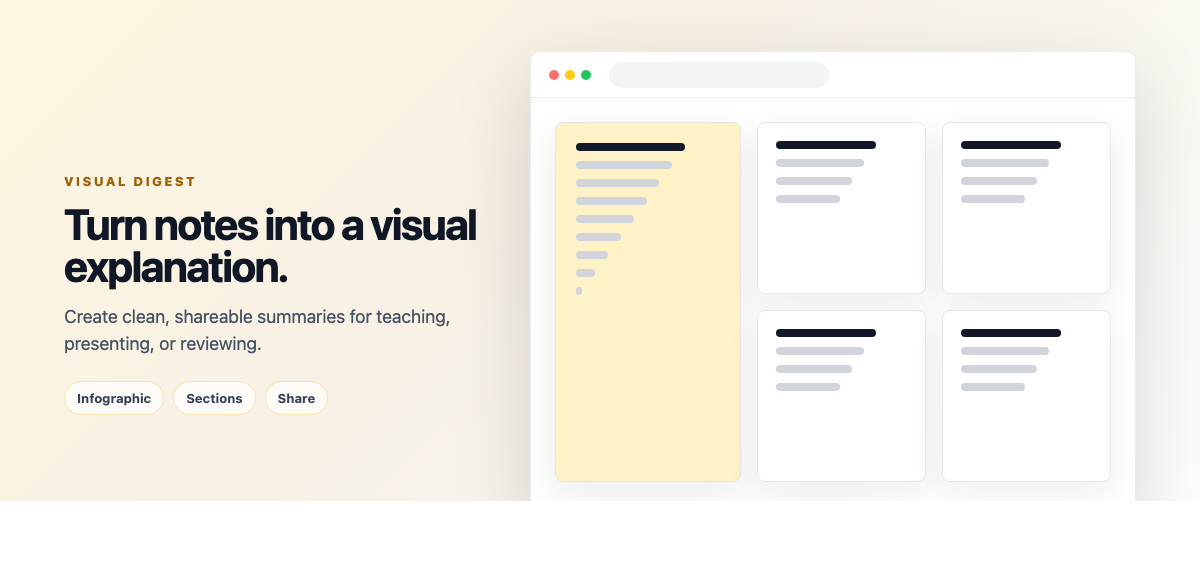
Visual Digest creates an image from the notes you select. Pick a visual type that fits the material, choose a square, portrait, or landscape layout, and add optional instructions about emphasis or style.
Step 1
Select one or more notes, notebooks, or folders in AI Studio.
Step 2
Choose an infographic, mind map, timeline, comparison chart, flowchart, or visual poster, then select a layout.
Step 3
Inspect the generated image in the results view and download it for your own study or sharing.
A practical look at the current workflow and where to check the details that matter.
Choose infographic, mind map, timeline, comparison chart, flowchart, or visual poster.
Yes. Add optional instructions to emphasize a topic or influence the visual style.
Yes. Download the generated image from the results view.
Generated images can omit or misstate details. Check important facts against the source notes before sharing or studying from the visual.
Start with your own notes, then choose a Weavernote workflow that helps you organize, explore, or study them.
Get started with Weavernote