
Step 1
Choose an input
Record from your microphone, upload a supported audio file or PDF, or provide a YouTube URL.
Voice and document capture
Record voice notes or process supported audio files, PDFs, and YouTube links in Weavernote, then keep the resulting transcript or analysis with your notes.
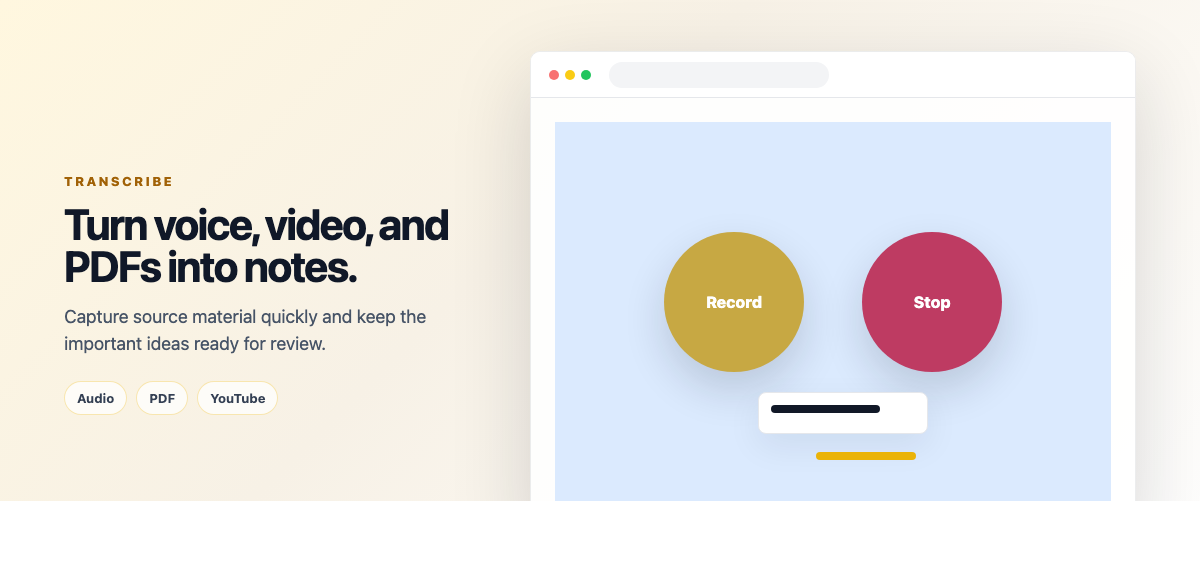
Use the voice recorder in the note editor for a recording, upload a supported audio file, analyze a PDF, or submit a YouTube URL. Weavernote processes the input and creates a note with the returned transcript or analysis.
Step 1
Record from your microphone, upload a supported audio file or PDF, or provide a YouTube URL.
Step 2
For voice transcription, use automatic language detection or select a language. Detailed processing can also create a structured note from the transcript.
Step 3
The resulting text is placed into a new note so you can edit, organize, and revisit it with your other material.
A practical look at the current workflow and where to check the details that matter.
The current workflow supports microphone recording, common audio uploads, PDF uploads, and YouTube URLs. File processing options depend on the input type.
The output is added as a note, which you can review and edit in the note editor.
Yes. Limits depend on your plan and input type. See the pricing page for current plan allowances.
Transcription quality depends on the recording and source material. Review names, numbers, and technical terms against the original.
Start with your own notes, then choose a Weavernote workflow that helps you organize, explore, or study them.
Get started with Weavernote