
Weavernote is more than just a note-taking app—it's a complete knowledge management platform powered by AI. This comprehensive guide will walk you through every major feature, helping you unlock Weavernote's full potential for learning, organization, and productivity.
📖 On this page
Quick Navigation: Use the table of contents to jump to any section. This guide covers organization, AI tools, visualization, and productivity enhancements.
📁 Organization & Structure
Flexible Note Organization
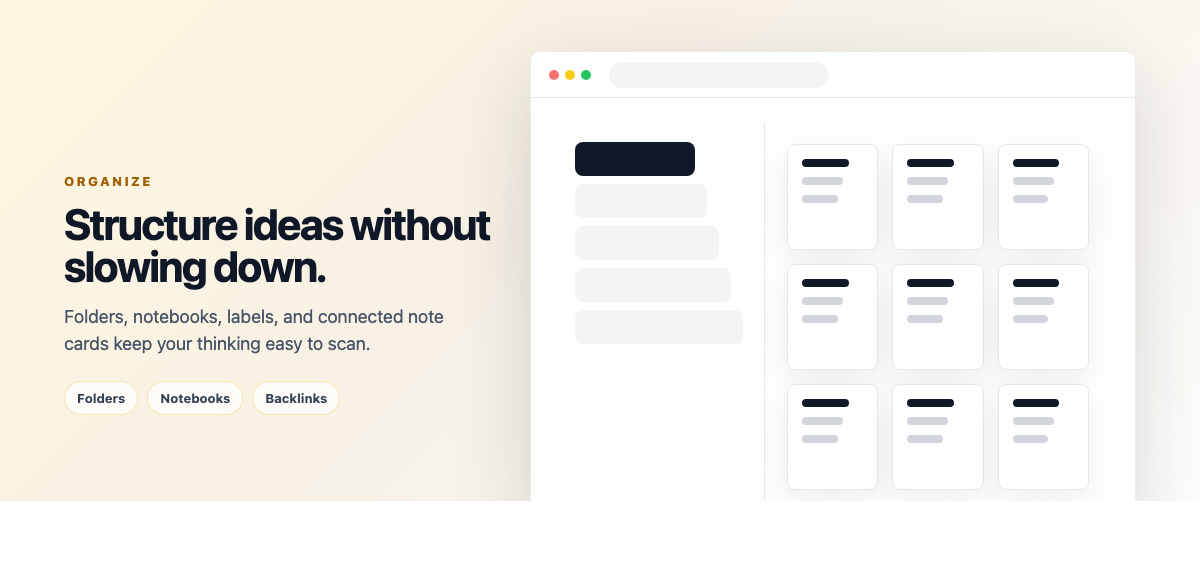
Weavernote uses a clean three-tier organizational system: Folders → Notebooks → Notes. This straightforward structure keeps your knowledge organized without unnecessary complexity.
Folders (Top Level)
- Main Categories: Create folders for your primary organizational needs (Work, Study, Personal, etc.)
- Color Coding: Assign colors to folders for visual distinction
- Collapsible Sidebar: Expand/collapse folders to focus on what matters
- Quick Navigation: Jump between folders instantly in the sidebar
- No Nesting: Folders are at the top level only - simple and clear
Notebooks (Second Level)
- Within Folders: Each folder contains multiple notebooks
- Topic Organization: Use notebooks to organize specific subjects or projects
- Custom Icons: Choose from hundreds of icons to visually identify notebooks
- Color Options: Assign colors to notebooks for quick recognition
- Drag & Reorder: Reorganize notebooks within folders
Notes (Content Level)
- Multiple Note Types: Regular notes, map notes, Kanban boards
- Note References: Link notes using [[note:ID|Title]] format to create connections
- Tags: Add multiple tags to notes for cross-referencing
- Favorites: Star important notes for quick access in the sidebar
- Note Connections: Use the connection manager to manually link related notes
- Reminders: Set date/time reminders on notes for follow-ups
Linking & Connections
Create connections between notes to build your knowledge web:
- Connection Manager: Use the connection manager to manually link related notes
- Note References: Insert note references using [[note:ID|Title]] format in your content
- Connection Browser: View all connections for a note in the connections panel
- Graph Representation: All linked notes appear in the knowledge graph visualization
Powerful Search & Filtering
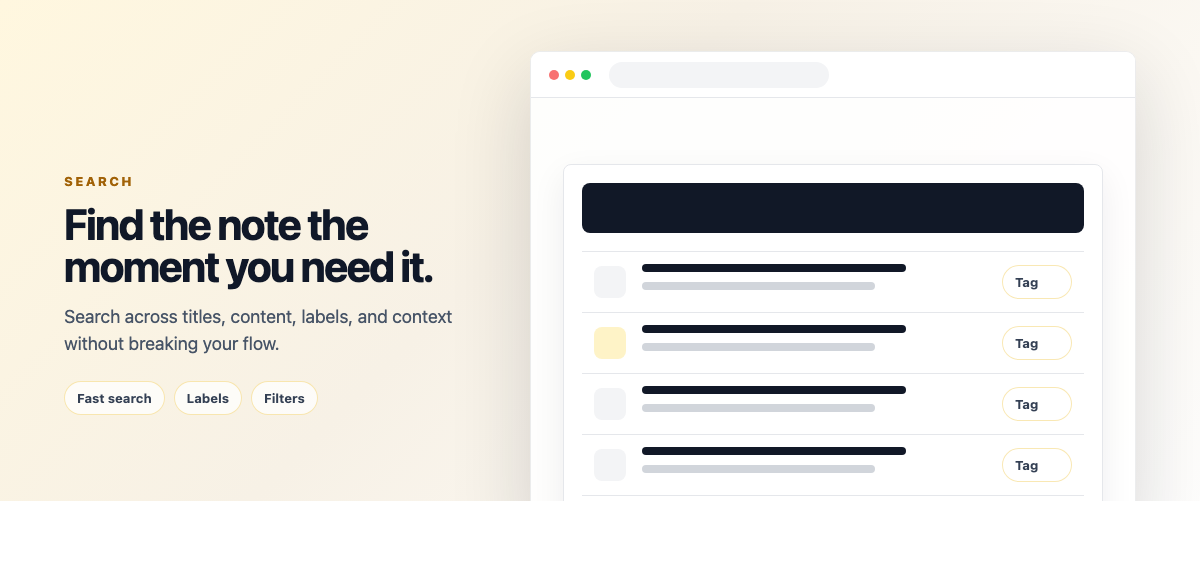
Find anything instantly with Weavernote's comprehensive search system.
Search Features
- Full-Text Search: Search within note titles and content across all folders
- Real-Time Results: See results as you type with instant filtering
- Fuzzy Matching: Find notes even with partial or misspelled queries
- Search Scope: Search within current folder or across entire knowledge base
- Content Preview: See search term highlights in results
Tag System
- Add Multiple Tags: Tag notes with as many labels as needed
- Color-Coded Tags: Assign colors to tags for visual categorization
- Tag Filtering: Click tags to filter notes instantly
- Multi-Tag Filter: Select multiple tags to narrow results
- Tag Management: View and manage all your tags from the sidebar
Advanced Filters
- Date Ranges: Filter by creation date or last modified date
- Favorites Only: View just your starred notes
- Note Type: Filter by regular notes, maps, or Kanban boards
- Has Reminders: Show only notes with upcoming reminders
- Combination Filters: Stack multiple filters for precise results
Kanban Board View
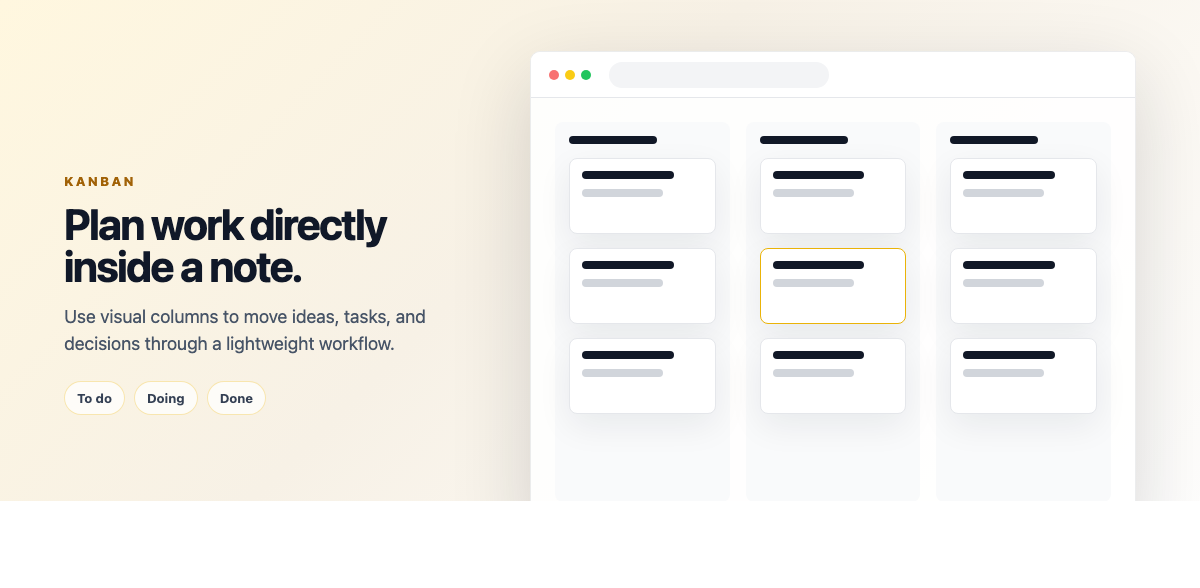
Transform your workflow with built-in Kanban boards. Create task boards directly as special note types.
Kanban Features
- Customizable Columns: Create your own workflow stages (To Do, In Progress, Done, etc.)
- Drag & Drop Cards: Move tasks between columns with smooth animations
- Task Cards: Each card can contain title, description, and metadata
- Color Labels: Add colored labels to categorize tasks
- Card Details: Click cards to add detailed notes and checklists
- Multiple Boards: Create unlimited Kanban boards for different projects
- Embedded in Notes: Kanban boards are notes, so they're searchable and linkable
Use Cases
- Project Management: Track project tasks from start to finish
- Study Planning: Organize study topics by progress stage
- Content Pipeline: Manage blog posts, videos, or creative projects
- Research Workflow: Track research papers through reading and analysis stages
- Personal Goals: Visualize progress on personal objectives
Reminders & Notifications
Never forget important follow-ups with note-based reminders.
- Date & Time: Set specific date and time for reminders on any note
- Browser Notifications: Get desktop notifications when reminders trigger
- Recurring Reminders: Set up daily, weekly, monthly, or yearly repeat patterns
- Custom Intervals: Choose repeat interval (e.g., every 2 weeks, every 3 months)
- End Dates: Set when recurring reminders should stop
- Edit or Delete: Modify or remove reminders anytime from the note
🎙️ Voice & Transcription
AI Transcription
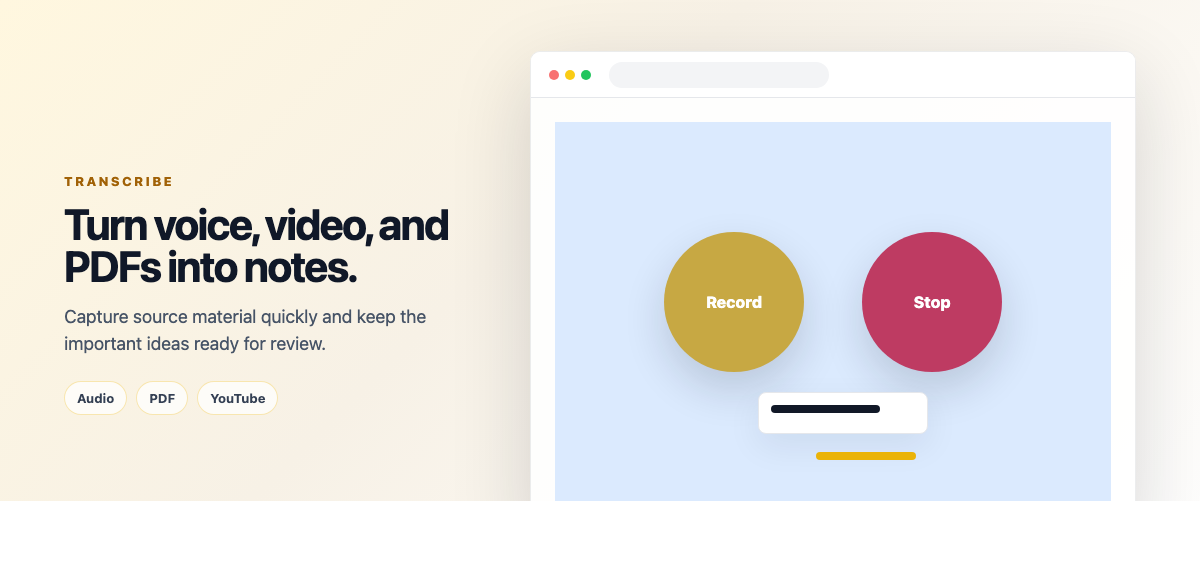
Convert speech to text with Weavernote's powerful AI transcription feature. Whether you're recording lectures, meetings, or voice memos, Weavernote makes it easy to capture and organize spoken content.
How Voice Recording Works
Click the voice recording button in your note editor to start capturing audio. Weavernote records directly from your microphone and displays real-time volume levels so you can ensure your audio is being captured properly.
Transcription Options
- Live Recording: Record audio directly in the app with real-time visual feedback
- Audio Upload: Upload existing audio files (MP3, WAV, M4A, etc.) for transcription
- PDF Analysis: Upload PDF documents for AI-powered analysis and smart note generation
- YouTube Transcription: Paste YouTube URLs to automatically transcribe and summarize video content
- Smart Normalization: Supports standard, short (youtu.be), and live (/live/) YouTube links
- Language Support: Auto-detect language or manually select from 30+ languages
- Automatic Note Creation: Transcribed content is automatically converted into a structured note
Supported Languages
Weavernote supports transcription in over 30 languages including: English, Spanish, Chinese, Hindi, Arabic, Bengali, Portuguese, Russian, Japanese, Punjabi, German, Javanese, Korean, French, Telugu, Turkish, Vietnamese, Tamil, Urdu, Persian, Italian, Thai, Gujarati, Polish, Ukrainian, Romanian, Dutch, Greek, and Swedish.
Pro Tip: For best transcription quality, record in a quiet environment and speak clearly. The detailed transcription mode includes timestamps which are great for meeting notes or lecture recordings.
🤖 AI-Powered Features
AI Studio: Your Knowledge Companion

The AI Studio is Weavernote's command center for intelligent features. Access it from any note or collection of notes to unlock powerful AI capabilities that help you understand, organize, and learn from your content.
AI Chat Assistant

The AI Chat feature lets you have natural conversations with your notes. Select one or multiple notes, notebooks, or folders and ask questions about the content.
- Context-Aware: The AI reads your selected notes and answers questions based on your actual content
- Multi-Note Chat: Select multiple notes to ask questions that span across different topics
- Follow-up Questions: Have a full conversation with context maintained throughout
- Clarification & Expansion: Ask the AI to explain complex topics, provide examples, or elaborate on ideas
- Cross-Reference: Ask about connections between different notes or concepts
- Image Analysis: Upload images and ask questions about them alongside your text notes
Deep Research
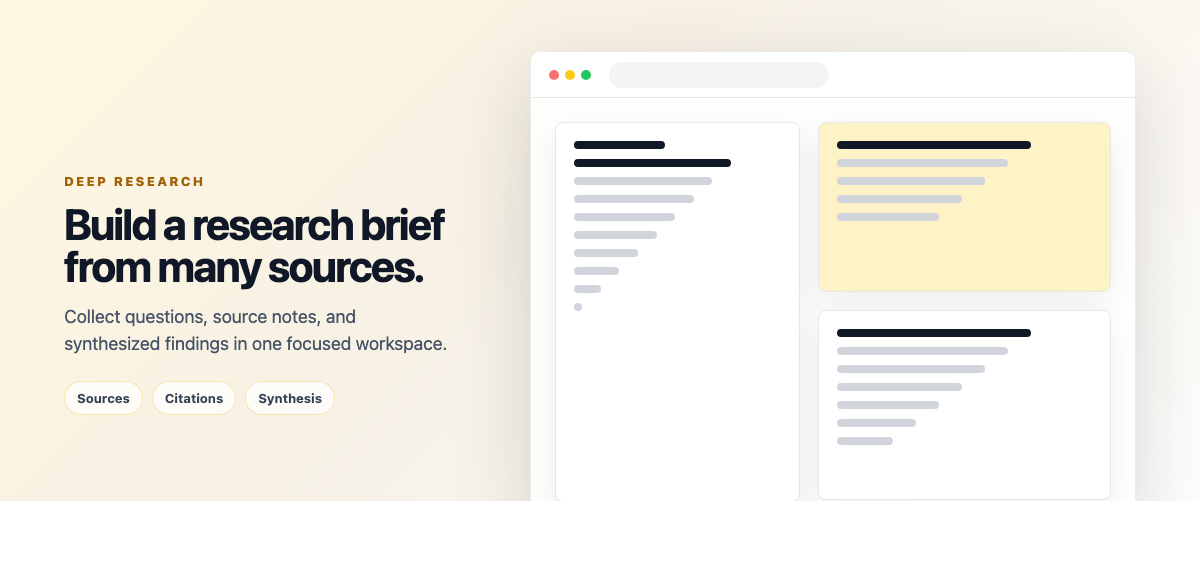
Take your learning to the next level with Weavernote's Deep Research capability. This advanced AI tool allows for intensive analysis of complex topics by synthesizing information across multiple sources and providing deep, grounded insights.
- Intensive Topic Analysis: Go beyond simple summaries with comprehensive research on any subject
- Multi-Source Synthesis: Combine information from diverse notes and external inputs into a unified report
- Source Grounding: Every claim is backed by citations from your own knowledge base
- Contextual Understanding: AI maintains deep context of your research goals throughout the process
- Actionable Insights: Receive synthesized conclusions that help you move from information to understanding
AI Summarize
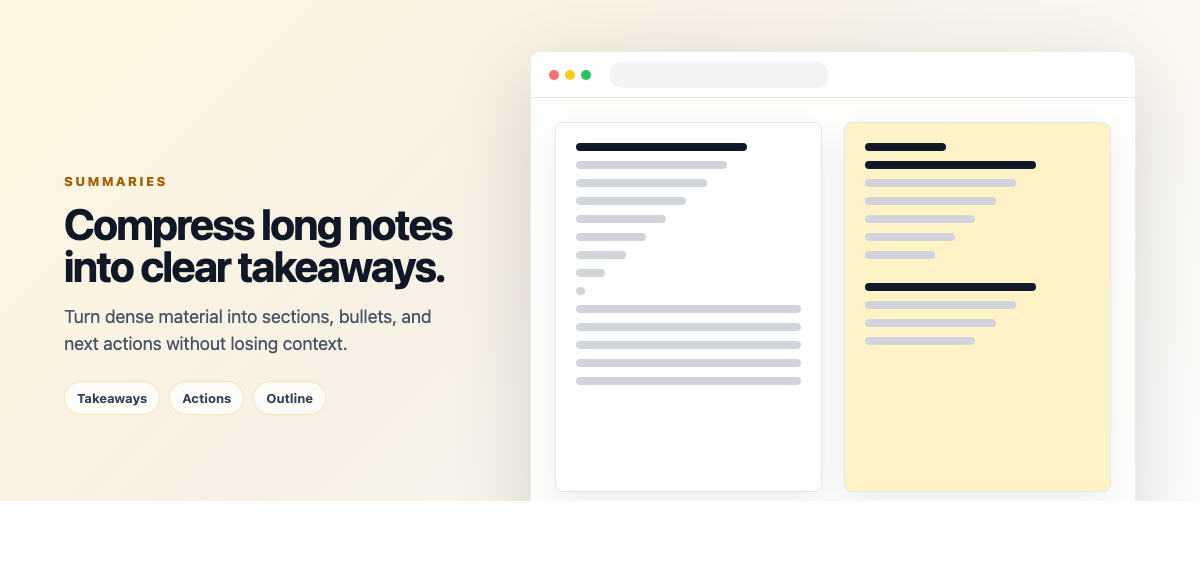
Generate concise summaries from long notes or multiple notes at once. Perfect for quick review before exams or meetings.
- Single Note Summary: Get the key points from long documents
- Multi-Note Summary: Combine insights from multiple notes into one coherent summary
- Customizable Length: Choose between brief overviews and detailed summaries
- Bullet-Point Format: Summaries are organized as clear, scannable bullet points
- Export Ready: Copy summaries to clipboard or download as markdown
Knowledge Gap Finder
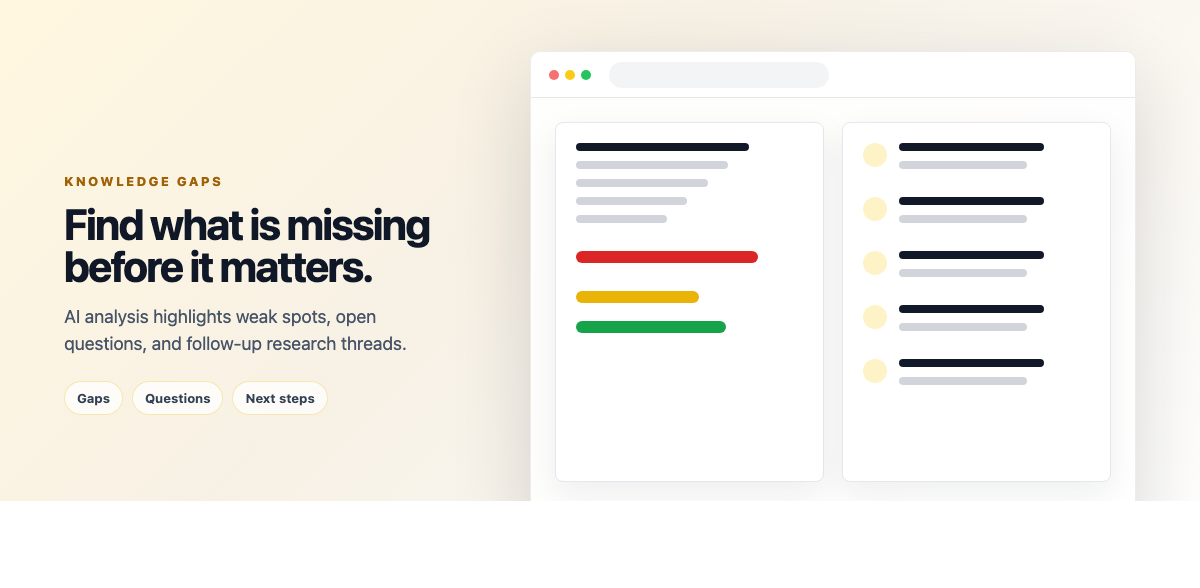
The Knowledge Gap Finder analyzes your notes and identifies areas where your understanding might be incomplete or where you're missing important connections.
- Content Analysis: AI reviews your notes to find concepts that are mentioned but not fully explained
- Missing Connections: Identifies related topics that aren't linked in your knowledge base
- Suggestions: Provides specific questions and topics to research further
- Learning Roadmap: Helps you plan what to study next based on gaps in your understanding
- Multiple Note Analysis: Works across selected notes to find system-wide gaps
AI-Generated Concept Maps
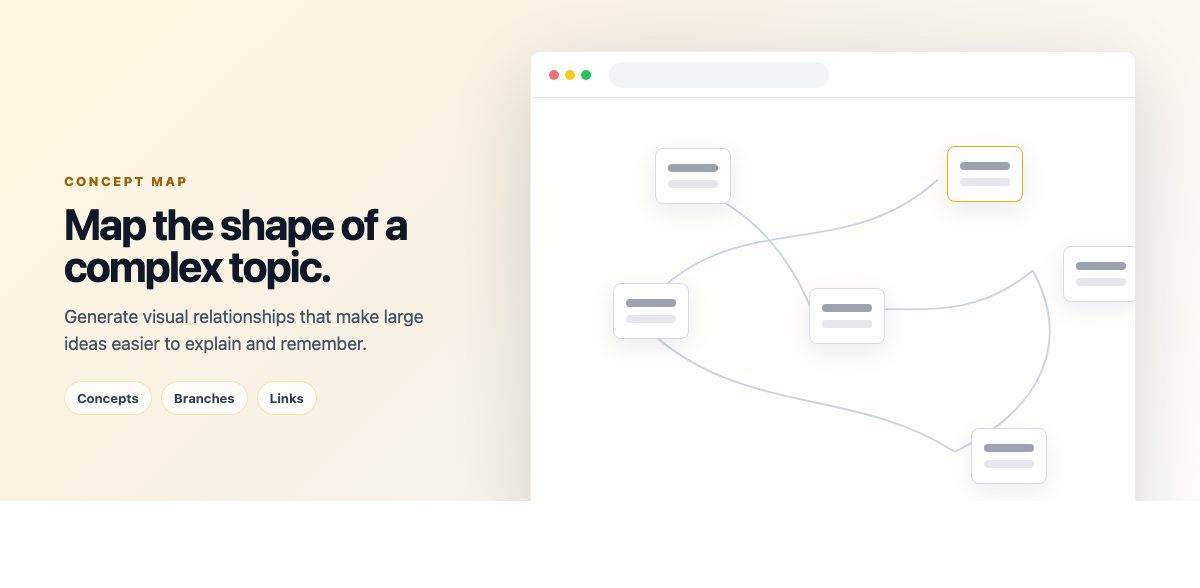
Automatically generate visual concept maps from your text notes. The AI extracts key concepts and shows their relationships in an easy-to-understand diagram.
- Automatic Extraction: AI identifies main concepts, sub-concepts, and their relationships
- Hierarchical Structure: Shows parent-child relationships and connections between ideas
- Visual Learning: Perfect for visual learners and understanding complex topics
- Export Options: Download as PNG or SVG for presentations and study materials
- Editable: Adjust the generated map to add your own connections and notes
Visual Digest
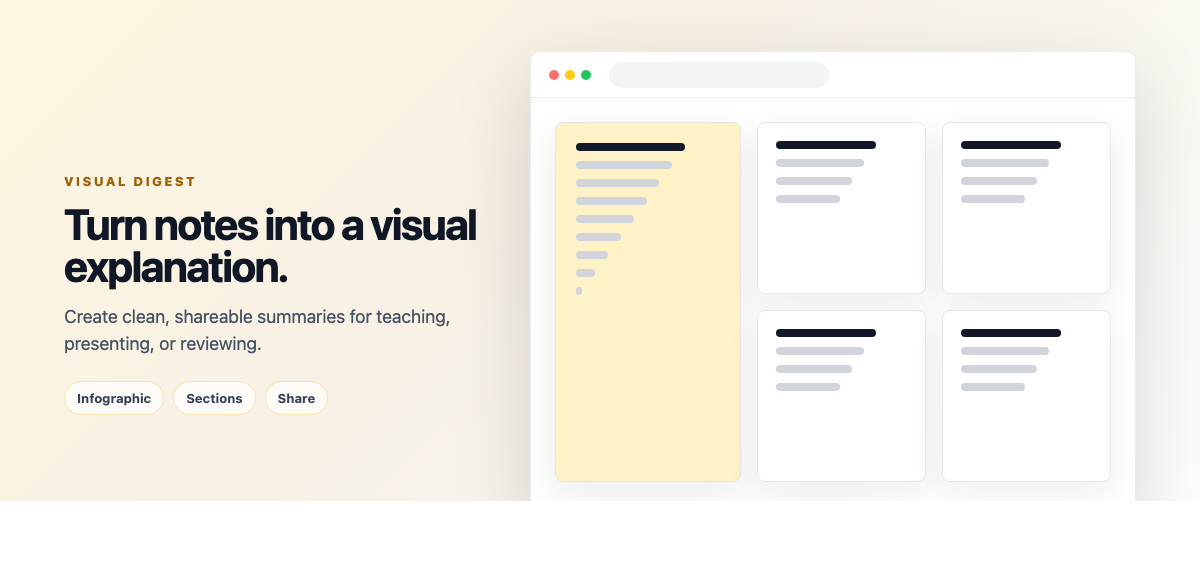
Transform your notes into stunning, shareable visuals with AI-powered design — no graphic design skills needed. Select any notes, notebooks, or folders, pick a visual type, and Weavernote generates a high-resolution image ready to download or share.
Visual Types
- Infographic: Dense data and ideas turned into a clean, scrollable visual summary — great for study sheets
- Mind Map: A branching knowledge map showing how concepts connect and relate
- Timeline: Chronological sequence of events, ideal for history, projects, or research
- Comparison Chart: Side-by-side A vs B layout, perfect for weighing options or contrasting concepts
- Flowchart: Process and decision flow diagrams — map out how something works step by step
- Visual Poster: Bold, eye-catching summary optimized for social sharing
Export Options
- Square (1:1): 1080×1080px — ideal for social media posts
- Portrait (9:16): 1080×1920px — optimized for stories and reels
- Landscape (16:9): 1920×1080px — perfect for presentations and slides
- Custom Instructions: Add your own prompt to guide the AI's visual style or emphasis
Pro Tip: Visual Digest is a Pro feature available in AI Studio. Use it to turn a complex notebook into a shareable cheat sheet, or generate a mind map at the start of a new subject to grasp the big picture.
Audio Digest
Stop re-reading the same notes. Audio Digest converts any note, notebook, or folder into spoken audio — so you can learn eyes-free during commutes, workouts, or downtime. The AI writes a script tailored to your chosen format, then synthesizes natural-sounding speech using Google Gemini TTS.
Audio Formats
- Podcast: A two-host conversation between Alex and Jordan who discuss, debate, and build on the ideas in your notes — like a real show episode
- Lecture: A single expert speaker in university style, explaining concepts clearly and progressively — ideal for studying complex topics
- News Briefing: A crisp, professional anchor reads your content — factual, fast, and authoritative
- Audiobook: Rich narrative storytelling voice that transforms your notes into flowing, immersive prose
- Study Session: A focused speaker that states key points methodically, flagging what matters most — perfect for exam prep
How It Works
- Select Content: Choose which notes, notebooks, or folders to include
- Pick a Format: Choose from the five audio styles above
- Custom Instructions: Optionally guide the script (e.g. "focus on the key dates" or "make it conversational")
- Generate: The AI writes a script then converts it to audio — plays directly in the browser
- Download: Save the audio as a WAV file to listen offline
- Read Along: The full transcript is shown below the player with speaker labels
Pro Tip: Audio Digest is a Pro feature in AI Studio and costs 5 credits per generation. The Podcast format works especially well for revision — hearing two voices debate your notes helps ideas stick far better than re-reading.
📊 Visualization & Learning Tools
Interactive Knowledge Graph
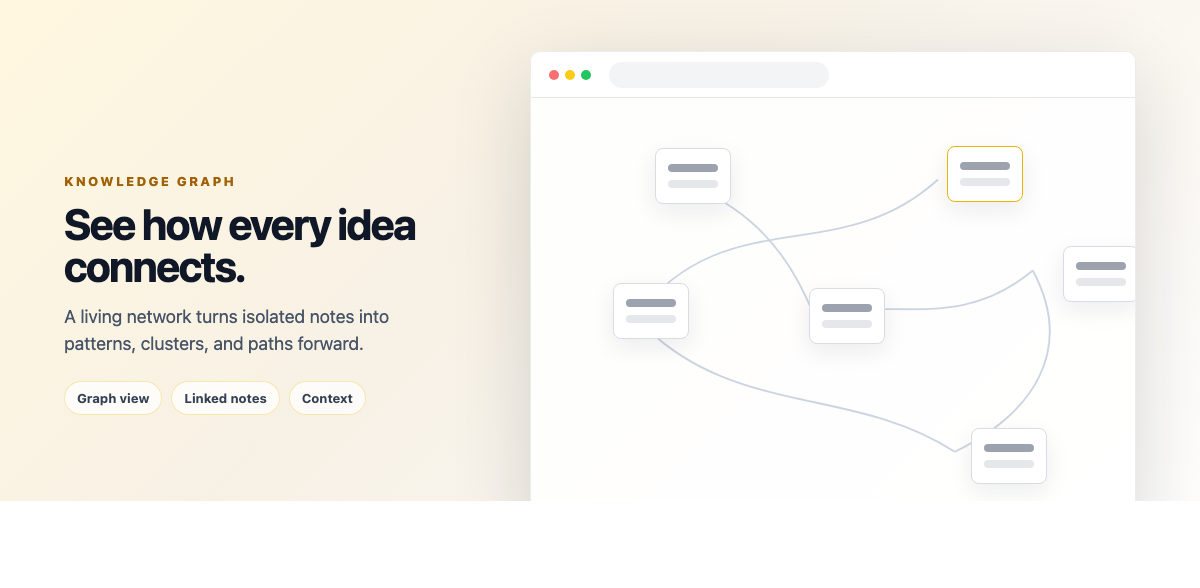
See the big picture of your knowledge with the interactive graph visualization:
- Node-based Visualization: Each note appears as a node in the graph
- Connection Mapping: Links between notes are shown as edges
- Interactive Exploration: Click and drag to explore, zoom in on specific areas
- Cluster Detection: Visually identify groups of related notes
- Click to Open: Click any node to open that note directly
- Pan and Zoom: Navigate large knowledge graphs with smooth pan and zoom controls
Flashcards for Active Recall
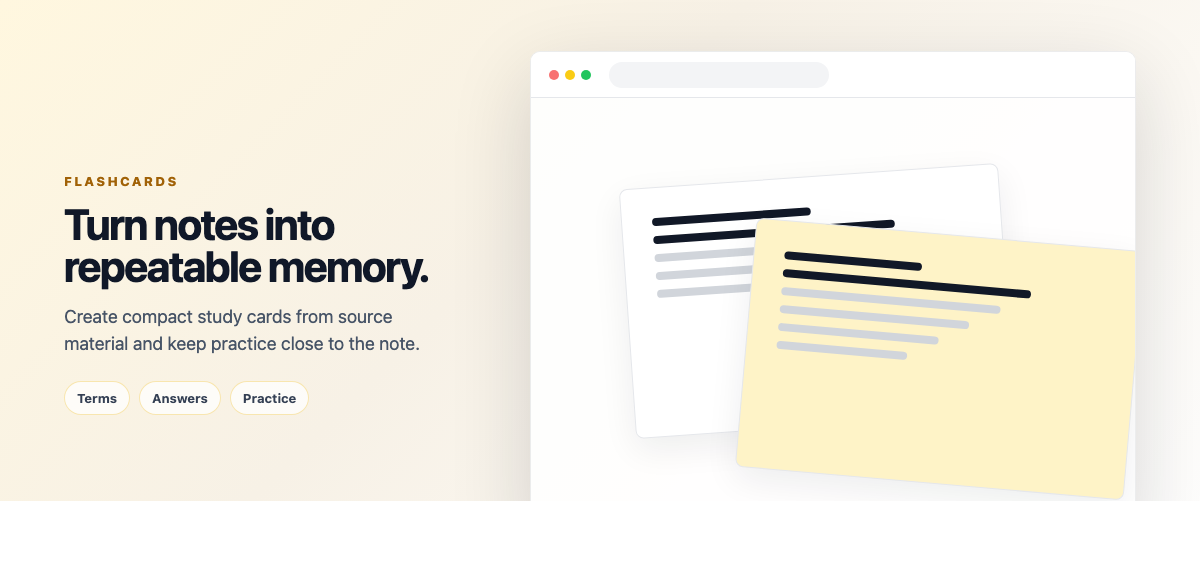
Turn your notes into flashcards for effective memorization through active recall.
- AI Generation: AI automatically creates question-answer pairs from selected notes
- Manual Creation: Add your own custom flashcards with front and back content
- Interactive Review: Flip cards to reveal answers, mark as known/unknown
- Shuffle Mode: Randomize card order for better retention
- Export & Print: Download flashcards for study and review
- Multi-Note Cards: Generate flashcards from multiple related notes
Quiz Generation
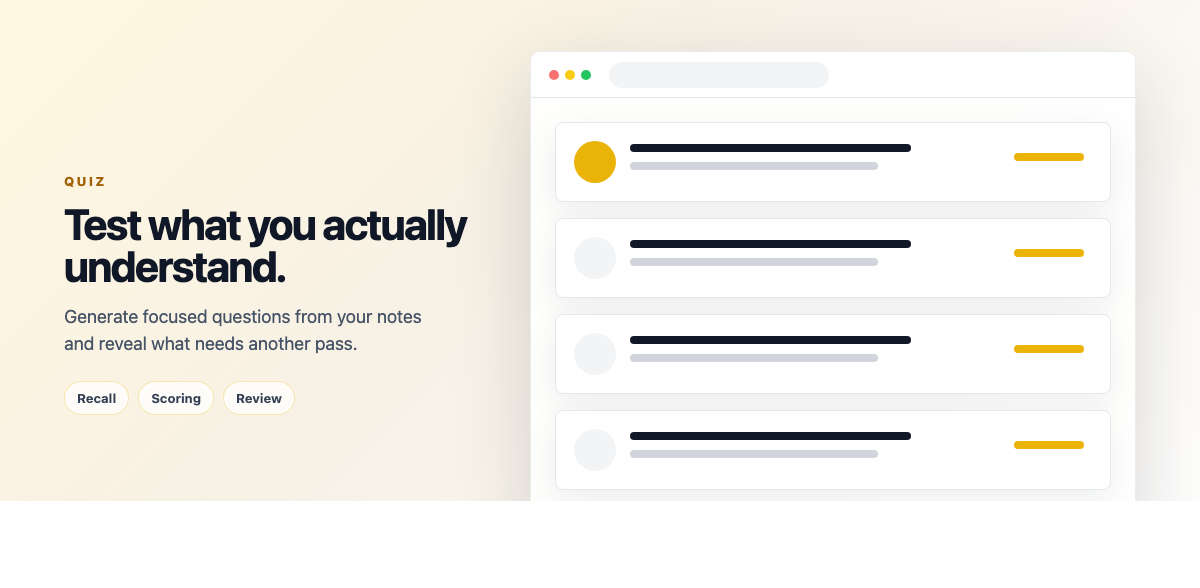
Test your understanding with AI-generated quizzes based on your note content.
- Multiple Question Types: Multiple choice, true/false, and short answer formats
- Smart Generation: AI identifies key concepts and creates relevant questions
- Instant Grading: Get immediate feedback on your answers
- Explanations: View detailed explanations for correct answers
- Difficulty Levels: Questions range from basic recall to application and analysis
- Retake Capability: Review incorrect answers and retake quizzes
🗺️ Map View & Location Features
Interactive Map Notes
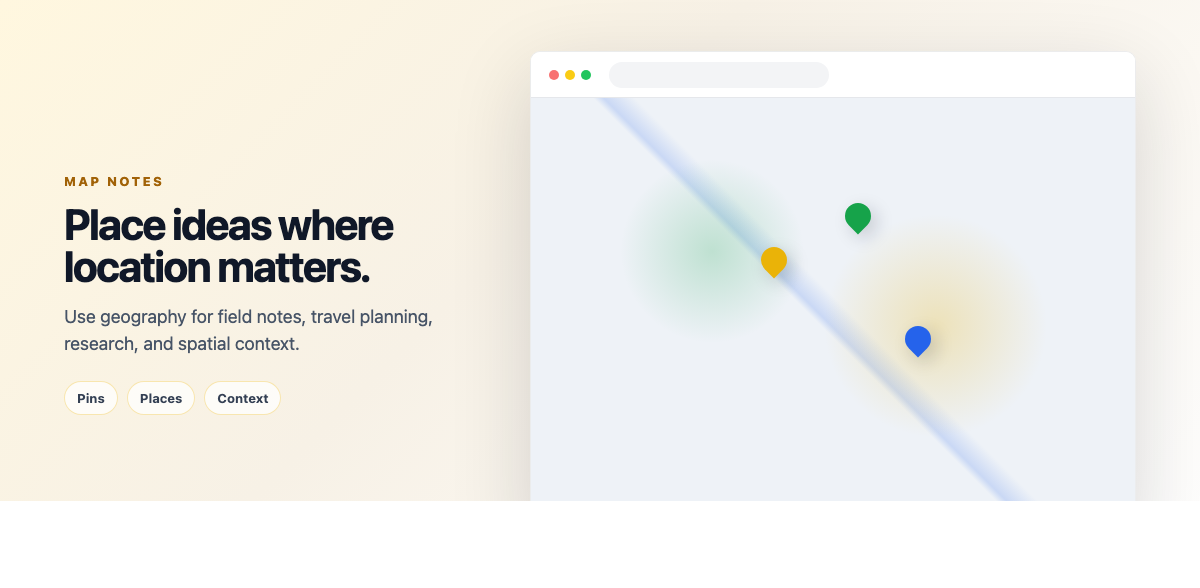
Create notes with embedded interactive maps, perfect for travel planning, location tracking, field research, or geographical studies.
Map Capabilities
- Interactive Maps: Pan, zoom, and explore maps directly within your notes
- Location Markers: Click to place markers for points of interest
- Route Planning: Set start and end points to visualize routes between locations
- Free Routing Service: Uses OpenStreetMap's routing service at no cost
- Multiple Basemaps: Choose from different map styles and layers
- Coordinate Display: See exact latitude and longitude for all markers
Use Cases for Map Notes
- Travel Planning: Plan trips with routes and points of interest
- Field Research: Document research locations with notes and markers
- Geography Studies: Create visual study materials with annotated maps
- Event Planning: Map venue locations and logistics
- Historical Documentation: Mark historical sites and create geographical timelines
Note: Weavernote uses free OpenStreetMap data and OSRM routing services, ensuring you can use mapping features without any additional costs or API keys.
📅 Calendar Heatmap View
Visualize Your Note-Taking Activity
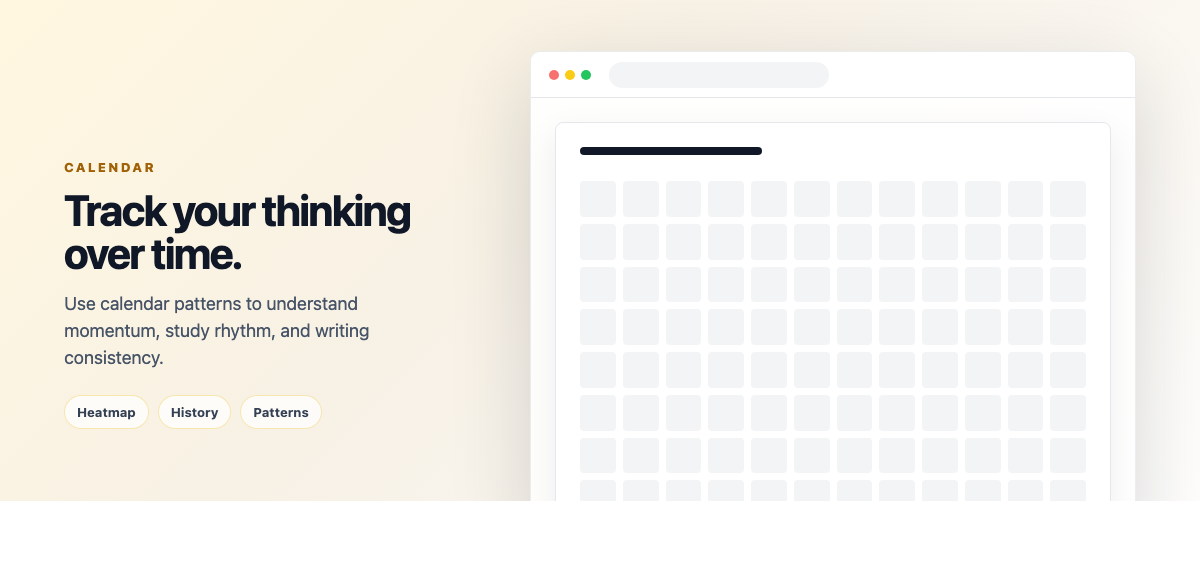
The Calendar Heatmap provides a visual representation of your note-taking habits and productivity patterns over time.
Calendar Features
- Activity Tracking: See which days you created or modified notes with color-coded intensity
- Multiple View Modes: Switch between month, week, and year views
- Activity Filters: View created notes, modified notes, or both
- Click to Explore: Click any day to see all notes from that date
- Productivity Insights: Identify your most productive days and patterns
- GitHub-Style Visualization: Familiar heatmap design showing activity intensity
How to Use Calendar View
Access the calendar view from your note list. Each square represents a day, with darker colors indicating more note activity. Click on any day to see a list of notes created or modified on that date. This is particularly useful for:
- Reviewing what you worked on during specific time periods
- Tracking learning consistency and study habits
- Finding notes by date when you can't remember the title
- Identifying productivity patterns and gaps
- Motivating consistent note-taking with visual feedback
✍️ Editor & Content Creation
Rich Text Editor
Weavernote's editor is built on TipTap (ProseMirror) providing a powerful yet intuitive writing experience.
- Markdown Support: Type using markdown syntax (## for headers, **bold**, etc.) and see instant formatting
- Rich Formatting: Bold, italic, underline, strikethrough, highlight, headers (H1-H6)
- Code Blocks: Syntax highlighting for 100+ programming languages
- Tables: Insert tables with custom rows/columns, merge cells, add headers
- Task Lists: Create interactive checkbox lists that save completion state
- Links & Images: Embed hyperlinks and images directly in your notes
- Block Quotes: Format quotations and important callouts
- Horizontal Rules: Add visual separators between sections
- Text Alignment: Left, center, right, and justify alignment options
- Font Sizes & Colors: Customize text appearance with various sizes and colors
- Collapsible Headings: Collapse sections under headings for better organization
Keyboard Shortcuts
Speed up your writing with extensive keyboard shortcuts:
- Ctrl/Cmd + B: Bold
- Ctrl/Cmd + I: Italic
- Ctrl/Cmd + K: Insert link
- Ctrl/Cmd + Shift + C: Code block
- Ctrl/Cmd + Z: Undo
- Ctrl/Cmd + Shift + Z: Redo
- And many more...
Handwritten Canvas & Drawing
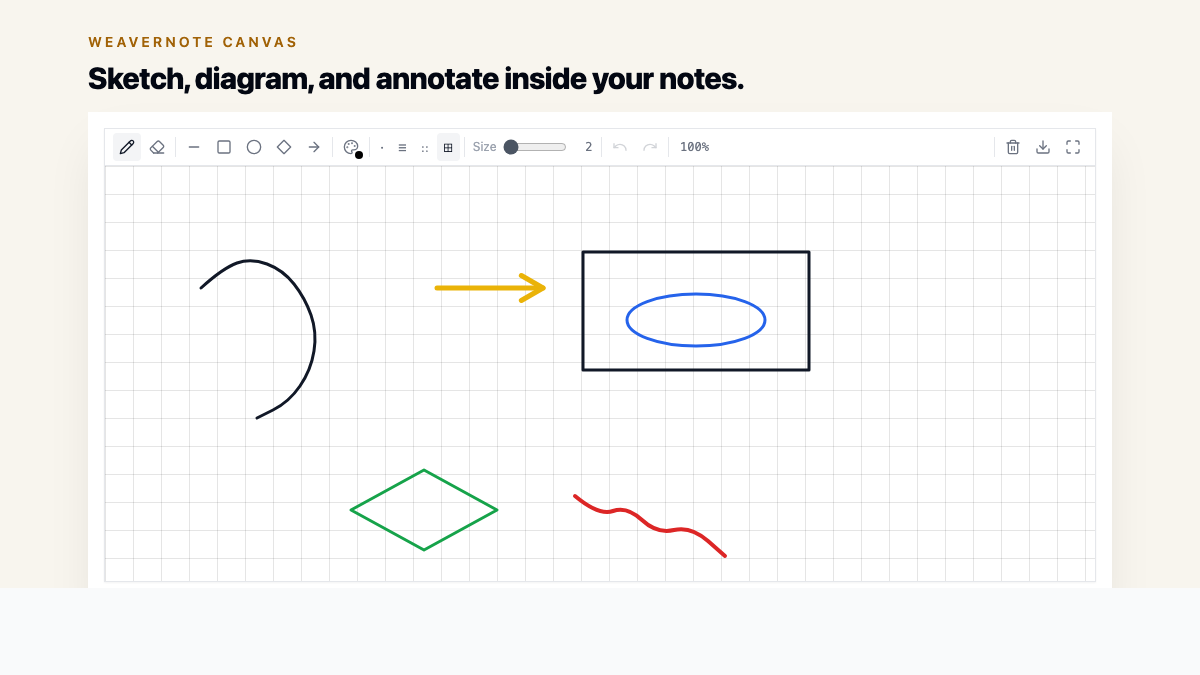
Add handwritten notes, sketches, and diagrams directly within your notes using the canvas tool.
- Freehand Drawing: Draw naturally with mouse, trackpad, or stylus
- Multiple Brush Sizes: Choose from thin to thick strokes for different uses
- Color Palette: Full color picker for organizing visual elements
- Eraser Tool: Selectively remove parts of your drawing
- Clear Canvas: Start over with one click
- Embedded in Notes: Drawings are saved directly in your note content
- Stylus Support: Optimized for tablets and touch devices with stylus input
Perfect For:
- Quick diagrams and flowcharts
- Mathematical problem-solving with visual work
- Brainstorming and mind mapping by hand
- Annotating concepts with visual aids
- Design sketches and wireframes
Image OCR (Optical Character Recognition)
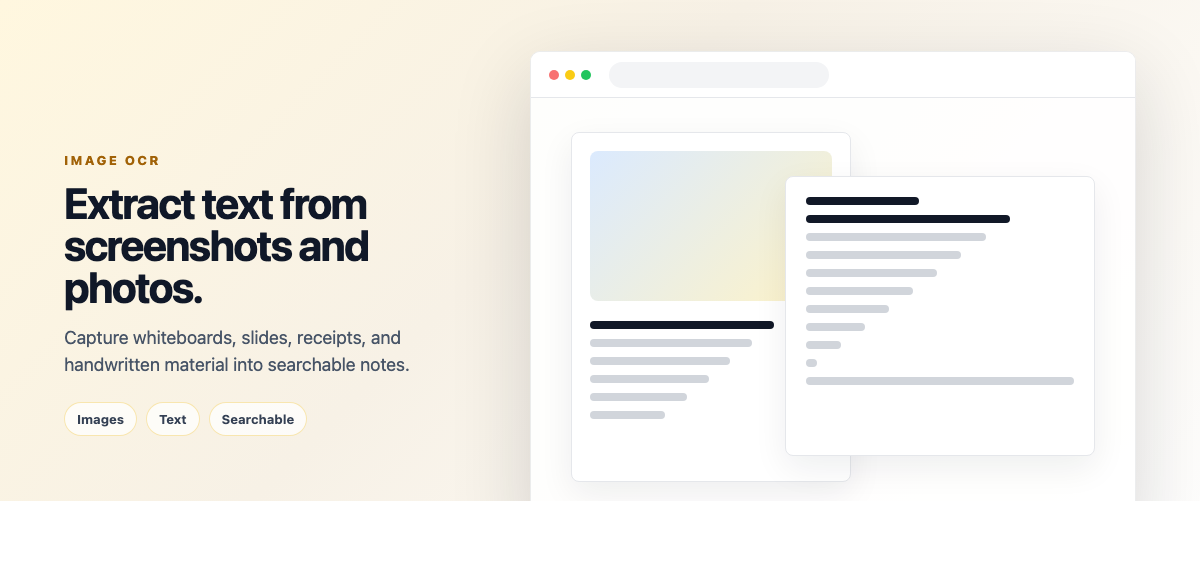
Extract text from images automatically with AI-powered OCR technology. Upload any image containing text, and Weavernote will extract the text for you.
- Drag & Drop: Simply drag image files into your notes
- Multiple Formats: Supports JPG, PNG, WEBP, and other image formats
- Handwritten Text: Can extract clear handwritten notes (results vary by handwriting quality)
- Printed Text: Excellent accuracy for printed documents, books, and screenshots
- Multi-Language: Supports text extraction in multiple languages
- Instant Processing: Text appears within seconds
- Editable Output: Extracted text is fully editable in your note
Use Cases:
- Digitizing physical notes from lectures or meetings
- Extracting text from book pages or documents
- Converting whiteboard photos into searchable text
- Creating digital copies of handwritten study materials
- Archiving business cards or receipts with text data
Distraction-Free Mode
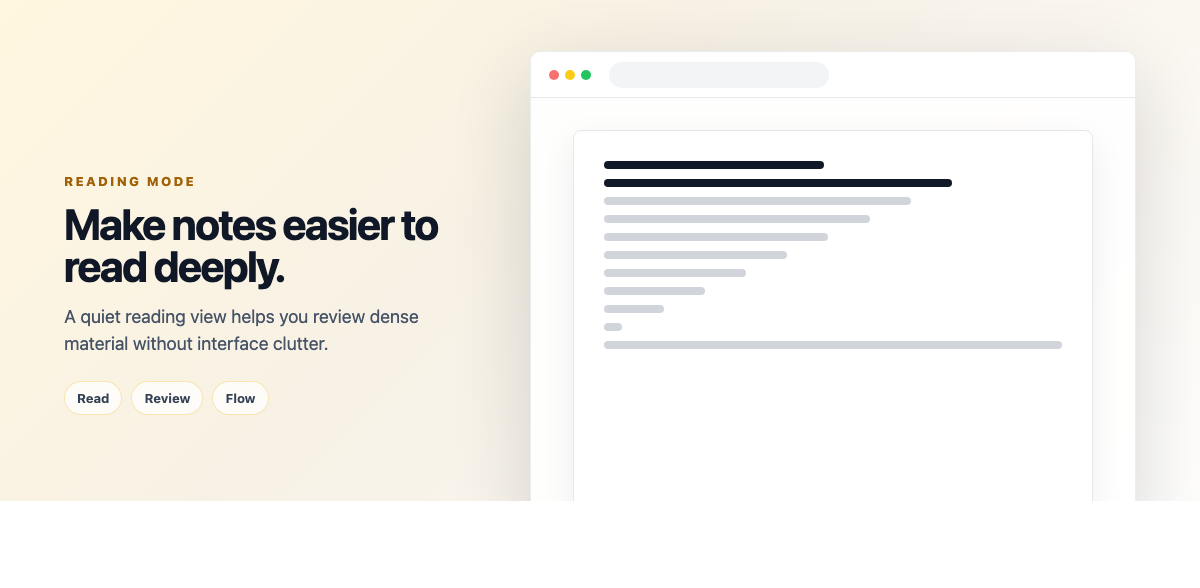
Enter a zen-like writing environment by hiding all UI elements and focusing solely on your content.
- Full-Screen Mode: Expands your note to fill the entire screen
- Hidden Sidebars: Removes all navigation and tool panels
- Minimal Toolbar: Only essential editing tools remain accessible
- Clean Background: Distraction-free solid background without elements
- Quick Toggle: Enable/disable with a single button click
- Exit Anytime: Press ESC or click the exit button to return to normal view
Best For:
- Long-form writing sessions
- Deep work and focused thinking
- Reducing digital distractions
- Reading lengthy notes without interruption
- Presentations and demonstrations
🔄 Collaboration & Sharing
Note Sharing & Collaboration
Share your knowledge with classmates, colleagues, or the world. Weavernote makes collaboration simple and secure.
Sharing Options
- Email-Based Sharing: Share notes with specific people by entering their email address
- View or Edit Permissions: Choose whether recipients can only view or also edit your notes
- Public Share Links: Generate shareable URLs via /shared/ links for your notes
- Shared With Me Page: View all notes others have shared with you in one dedicated page
- Revoke Access: Remove sharing permissions anytime from the share dialog
- Copy to Clipboard: Quickly copy note content or share links
Collaboration Features
- Edit Permissions: Grant edit access to collaborators who can modify shared notes
- View-Only Sharing: Share notes as read-only to prevent unintended changes
- Encrypted Sharing: Shared notes maintain encryption for security
- Direct Access Links: Shared notes accessible via direct URLs without login requirements
Use Cases
- Study Groups: Share lecture notes with classmates
- Team Projects: Collaborate on research and documentation
- Teaching: Distribute course materials to students
- Knowledge Base: Create public documentation and guides
- Portfolio: Share your work and insights publicly
📱 Cross-Platform Experience
Progressive Web App (PWA)
Weavernote is built as a Progressive Web App, giving you app-like experience across all platforms without separate downloads.
PWA Benefits
- Install on Any Platform: Desktop (Windows, Mac, Linux), iOS, Android - all from one codebase
- No App Store Required: Install directly from the website
- Auto-Updates: Always get the latest version without manual updates
- App Shell Caching: Service worker caches the app shell for faster loading
- Low Storage: Much smaller than traditional apps
- Native-Like: Works just like a native app with smooth transitions and gestures
- Home Screen Access: Add to home screen on mobile or desktop for quick access
How to Install
- Desktop: Click install button in address bar or use browser menu
- Mobile: Tap "Add to Home Screen" from browser menu
- Android: Download from Google Play Store for even easier installation
Cross-Device Sync
- Cloud Sync: All notes stored in cloud database accessible from any device
- Seamless Experience: Start on phone, continue on desktop
- Login from Anywhere: Access your notes from any device with internet connection
- Encrypted Storage: All synced data is encrypted for security
Mobile Optimizations
- Touch Friendly: Large tap targets and swipe gestures
- Responsive Design: Layout adapts perfectly to screen size
- Mobile Keyboard: Optimized toolbar for mobile typing
- Pull to Refresh: Update note list with pull gesture
- Quick Actions: Long-press menus for common actions
🔐 Privacy & Security
Data Protection & Security
Weavernote takes your privacy seriously with multiple layers of security and transparent data practices.
Encryption
- HTTPS Only: All connections encrypted in transit with TLS
- AES-GCM Encryption: Note content encrypted using AES-GCM 256-bit encryption
- Key Derivation: Encryption keys derived from user IDs using PBKDF2 with 100,000 iterations
- Automatic Encryption: All note content is automatically encrypted before storage
- Secure Decryption: Notes decrypted client-side when accessed
- Shared Note Encryption: Shared notes maintain encryption using owner's keys
Privacy Practices
- Privacy-Focused: Your notes are private by default and encrypted
- Data Ownership: You own your data and can export it anytime
- Account Deletion: Delete your account and all associated data from settings
- No Content Tracking: Your note content is not analyzed or used for advertising
- Secure Authentication: Uses Supabase Auth for secure account management
Backups & Recovery
- Cloud Storage: All notes stored securely in Supabase cloud infrastructure
- Export Anytime: Download complete backup of your data as markdown or ZIP
- Disaster Recovery: Redundant storage across multiple locations
- Data Portability: Export individual notes, notebooks, or entire knowledge base
- Reliable Infrastructure: Built on proven cloud infrastructure for high availability
Access Control
- Private by Default: All notes are private unless explicitly shared
- Granular Permissions: Control who can view or edit shared notes
- Session Management: See and revoke active sessions from any device
- Password Reset: Secure password recovery via email
⚡ Productivity Features
Keyboard Shortcuts
Master Weavernote with powerful keyboard shortcuts that speed up every action. Here are the essential shortcuts:
Editing Shortcuts
- Ctrl/Cmd + B: Bold text
- Ctrl/Cmd + I: Italic text
- Ctrl/Cmd + U: Underline text
- Ctrl/Cmd + K: Insert link
- Ctrl/Cmd + E: Inline code
- Ctrl/Cmd + Shift + C: Code block
- Ctrl/Cmd + Shift + 8: Bullet list
- Ctrl/Cmd + Shift + 7: Numbered list
- Ctrl/Cmd + Shift + X: Strikethrough
- Ctrl/Cmd + Z: Undo
- Ctrl/Cmd + Shift + Z: Redo
View Shortcuts
- ESC: Close dialogs, exit distraction-free mode
- Many more shortcuts available - explore the editor for tooltips showing keyboard shortcuts
Note: Keyboard shortcuts follow standard text editor conventions. Most formatting shortcuts work as expected based on common text editing applications.
Quick Actions & Automation
- Auto-Save: Changes save automatically as you type - no save button needed
- Auto-Link Detection: URLs automatically become clickable links
- Smart Lists: Pressing Enter in a list continues the list automatically
- Markdown Auto-Format: Type markdown syntax and see instant formatting
- Paste URL: Paste links while text is selected to create formatted links
- Smart Quotes: Automatic conversion of straight quotes to curly quotes
- Auto-Indent: Maintains indentation in lists and code blocks
Batch Operations
- Multi-Select: Select multiple notes with Shift+Click or Ctrl+Click
- Bulk Delete: Delete multiple notes at once
- Bulk Move: Move several notes to different folders simultaneously
- Bulk Tag: Add tags to multiple notes in one action
- Bulk Export: Export selected notes as a batch
- Bulk AI Actions: Run AI analysis on multiple notes together
Import & Export
Weavernote ensures your data is portable and accessible in multiple formats.
Import Capabilities
- Markdown Files: Import .md files with formatting and frontmatter metadata
- Bulk Import: Upload multiple markdown files at once
- Metadata Preservation: Imports title, tags, labels, and other metadata from frontmatter
- Automatic Conversion: Markdown automatically converted to HTML for rich editing
- Notebook Selection: Choose target notebook when importing files
Export Options
- Markdown Export: Export notes as .md files with frontmatter metadata
- Single Note Export: Download individual notes as markdown
- ZIP Archive Export: Export multiple notes/notebooks as a structured ZIP file
- Folder Structure Preserved: Exports maintain your folder/notebook hierarchy
- Metadata Included: Frontmatter includes title, dates, tags, labels, notebook, and folder info
- HTML to Markdown: Note content automatically converted from HTML to clean markdown
Data Portability
Weavernote believes your data is yours. All export formats are open standards, ensuring you're never locked in:
- Markdown files work with any text editor
- PDFs can be viewed anywhere
- Export anytime without restrictions
- No proprietary formats
- Easy migration to other tools if needed
🎨 Customization & Personalization
Themes & Appearance
Weavernote adapts to your preferences with extensive customization options.
Dark Mode
- One-Click Toggle: Switch between light and dark mode instantly
- True Dark Theme: Carefully designed dark mode that reduces eye strain
- Consistent Everywhere: Dark mode applies to editor, sidebar, and all dialogs
- Preserved Preference: Your choice syncs across devices
Color Customization
- Folder Colors: Assign unique colors to folders for visual hierarchy
- Tag Colors: Color-code tags for quick identification
- Label Colors: Use colored labels in Kanban boards
- Text Highlighting: Multiple highlight colors in editor
- Custom Palette: Choose from pre-defined colors or enter custom hex codes
View Preferences
- List vs Grid View: Display notes as list or visual grid cards
- Card Size: Adjust note card sizes in grid view
- Sidebar Width: Resize the navigation sidebar to your preference
- Compact Mode: Reduce spacing for more content on screen
- Font Size: Adjust editor font size for comfortable reading
Workspace Layout
- Collapsible Panels: Hide/show sidebar, note list, or visualizer
- Split View: Work with multiple panels simultaneously
- Full-Width Editor: Maximize editor space when needed
- Custom Navigation: Arrange your workspace for optimal workflow
🚀 Getting Started Tips
Quick Start Checklist (First Hour with Weavernote)
- Create Folder Structure: Set up 3-5 main folders for your primary areas (Work, Study, Personal, etc.)
- Add First Notebooks: Create notebooks within folders for specific topics
- Write Sample Notes: Create 5-10 notes with real content to get comfortable
- Practice Linking: Use [[note title]] syntax or connection manager to link related notes
- Add Tags: Tag notes with relevant keywords (#project, #urgent, etc.)
- Test Knowledge Graph: Open the visualizer to see your notes as a network
- Try AI Chat: Select a note and ask AI questions about it
- Generate Study Tools: Create flashcards or quiz from a note
- Customize Appearance: Toggle dark mode, adjust colors, set view preferences
- Install as PWA: Add to home screen/desktop for app-like experience
- Explore Features: Try voice recording, drawing, map view, or Kanban board
- Test on Mobile: Access from your phone to see the responsive design
💡 Pro Tips for Power Users
Organization Best Practices
- Start Simple: Begin with a few main folders (Work, Study, Personal) and expand as needed
- Consistent Tagging System: Create a tag taxonomy - decide on tag names early and stick to them
- Index Notes: Create "index" or "hub" notes that link to all related notes on a topic
- Link Early and Often: Create connections between notes as you write - don't wait until later
- Use Descriptive Titles: Name notes clearly so they're findable without opening them
- Color Code Strategically: Use folder and tag colors to create visual hierarchies
AI Usage Strategies
- Knowledge Gap Reviews: Run the gap finder monthly on all notes in a subject
- Pre-Study Summaries: Generate summaries before review sessions to identify focus areas
- Quiz Yourself Weekly: Create quizzes from lecture notes at the end of each week
- Chat for Exploration: Use AI chat when stuck - ask "What am I missing?" or "What should I explore next?"
- Concept Maps for Complex Topics: Generate concept maps when starting new subjects to see the big picture
- Infographics for Sharing: Create infographics from your best notes to teach others (teaching reinforces learning)
Productivity Hacks
- Learn Keyboard Shortcuts: Common editing shortcuts speed up your workflow significantly
- Batch Similar Tasks: Tag all notes needing review with #review, then batch process them
- Calendar Review Sessions: Use calendar view weekly to see what you've been working on
- Kanban for Workflows: Create Kanban boards for recurring processes (research workflow, content creation, etc.)
- Voice Notes on the Go: Use transcription for capturing thoughts during commutes or lectures
- Map Your Field Work: Use map notes for any location-based information or travel planning
- Regular Backups: Export your entire knowledge base monthly as markdown ZIP
- Favorite Important Notes: Star your most important notes for quick sidebar access
Advanced Techniques
- Zettelkasten Method: Create atomic notes (one idea per note) and link extensively for emergent insights
- Tag-Based Reviews: Use tags like #review-weekly or #important and filter by them regularly
- Question-Driven Notes: Title notes as questions ("How does X work?") for better recall and AI chat interactions
- Multi-Device Workflow: Capture on mobile PWA, organize on desktop, review anywhere with cloud sync
- Collaborative Learning: Share notes with study partners by email for collaborative knowledge building
- Knowledge Graph Exploration: Regularly explore your knowledge graph to discover unexpected connections
- AI-Assisted Learning: Use AI chat to quiz yourself on note content instead of just reading
Avoiding Common Pitfalls
- Don't Over-Organize: Start simple with a few folders - complexity emerges naturally
- Write First, Organize Later: Don't let organizational decisions block note creation
- Avoid Tag Explosion: Too many unique tags make them useless - aim for 20-50 core tags
- Link with Purpose: Only link notes when there's a meaningful connection, not just similarity
- Review Regularly: Notes without review become forgotten - schedule weekly reviews
- Don't Hoard: Delete or archive notes that no longer serve you
- Balance Input and Output: Don't just collect information - use AI tools to process and apply it
🎯 Conclusion
Weavernote is more than a note-taking app - it's a complete knowledge management ecosystem designed for the modern learner and thinker. By combining flexible organization, powerful AI assistance, visual knowledge mapping, and cross-platform accessibility, Weavernote helps you build a genuine "second brain" that augments your thinking and learning.
What Makes Weavernote Different
- AI as a Learning Partner: Not just a tool, but an intelligent companion that helps you understand, remember, and connect ideas
- Visual Knowledge Building: See your knowledge as a living, growing network rather than isolated documents
- Flexible Yet Structured: Freedom to organize your way with enough structure to stay organized
- Privacy-First: Your data is yours, encrypted, portable, and never sold
- True Cross-Platform: Same experience everywhere via PWA installation
- No Lock-In: Export anytime in open formats - you're never trapped
Start Your Journey
The best way to master Weavernote is to start simple and gradually explore:
Week 1: Focus on basic note-taking. Create notes, organize into folders, add tags. Get comfortable with the editor.
Week 2: Start linking notes together. Explore the knowledge graph. See how your ideas connect.
Week 3: Try AI features. Chat with your notes. Generate summaries, flashcards, or quizzes.
Week 4: Experiment with specialized features. Try voice transcription, map notes, drawing, or Kanban boards based on your needs.
Beyond: Develop your personal knowledge management system. Refine your workflow. Make Weavernote truly yours.
The Power of Connected Knowledge
The real magic of Weavernote emerges over time. As you build your knowledge base - note by note, link by link - you create a network that reflects how you actually think. The knowledge graph shows you unexpected connections. The AI helps you find gaps and deepen understanding. Your notes become not just a record of what you learned, but a tool for generating new insights.
This is knowledge management as it should be: intuitive, intelligent, and infinitely flexible. Whether you're studying for exams, conducting research, managing projects, writing books, or building a personal wiki, Weavernote grows with you.
The question isn't whether Weavernote can help you - it's how transformative your knowledge management can become when you have the right tools. Start today and discover what's possible when your notes become a living, connected knowledge system.
Ready to Transform Your Note-Taking?
Experience all these features and more with Weavernote's free trial. No credit card required.
Get Started FreeThis guide is regularly updated to reflect new features and improvements. Last updated: February 10, 2026