
Top 10 Tips for Getting Started with Weavernote
Published on Dec 28, 2024
Weavernote is your AI-powered knowledge platform designed to help you organize, visualize, and transform your notes into meaningful insights. Here are our top 10 tips to help you make the most of Weavernote from day one.
1. Start with a Clear Structure
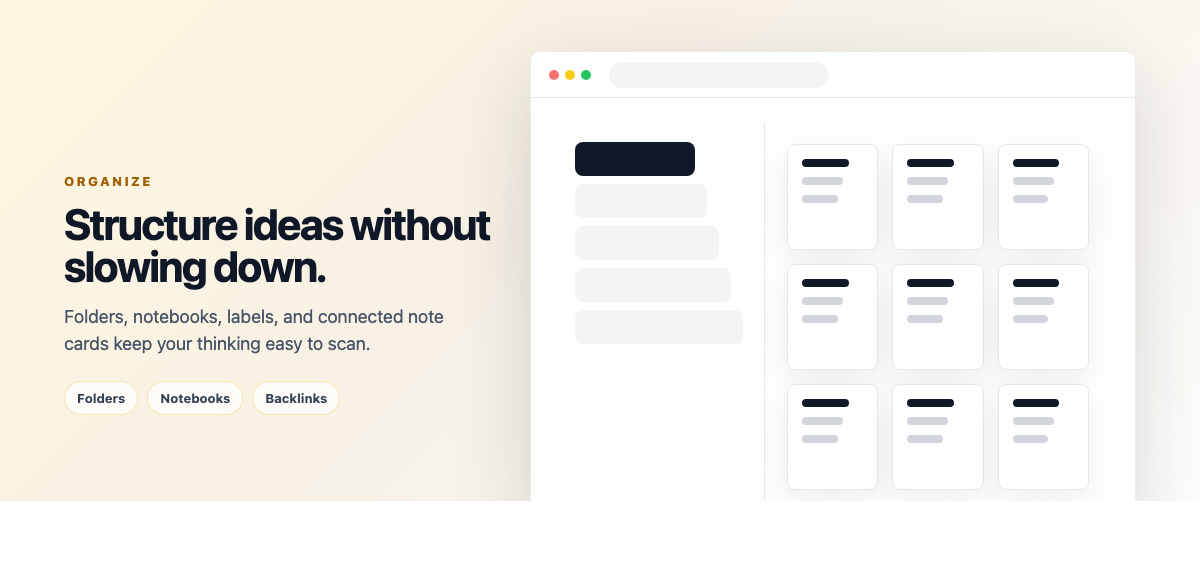
Begin by organizing your notes into logical folders. Weavernote's flexible structure allows you to create hierarchical folders that match your thinking process. Consider creating main categories like "Work," "Personal," "Learning," and then add sub-folders as needed.
2. Utilize the AI Chat Feature
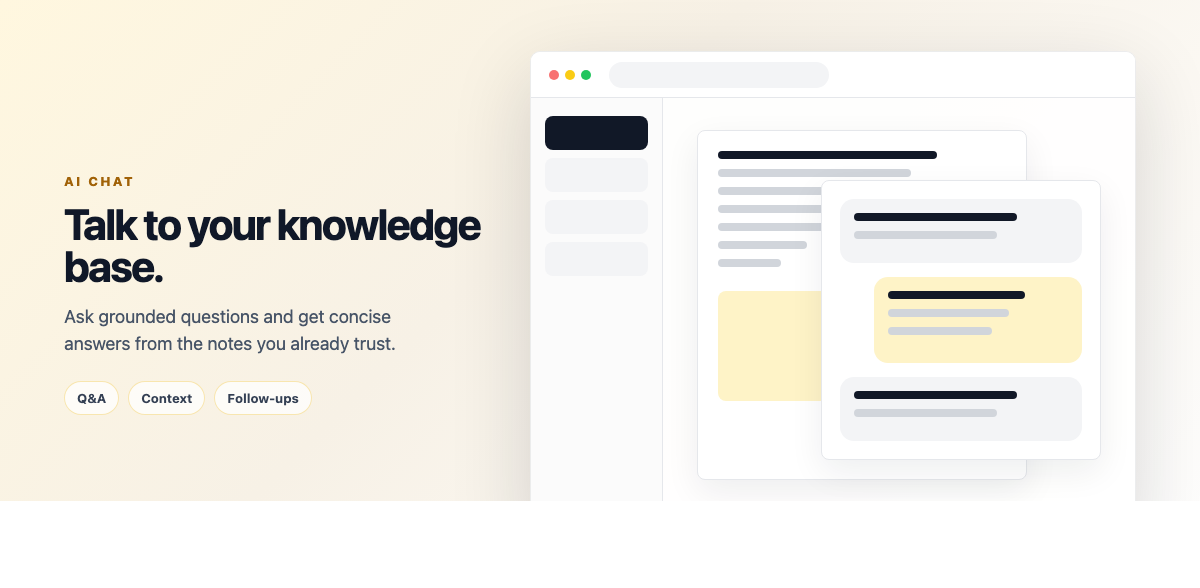
Take advantage of Weavernote's AI chat functionality to better understand your notes. Ask questions about your content, request summaries, or seek clarification on complex topics. The AI assistant can help you identify connections between different notes and suggest areas for deeper exploration.
3. Visualize Your Knowledge
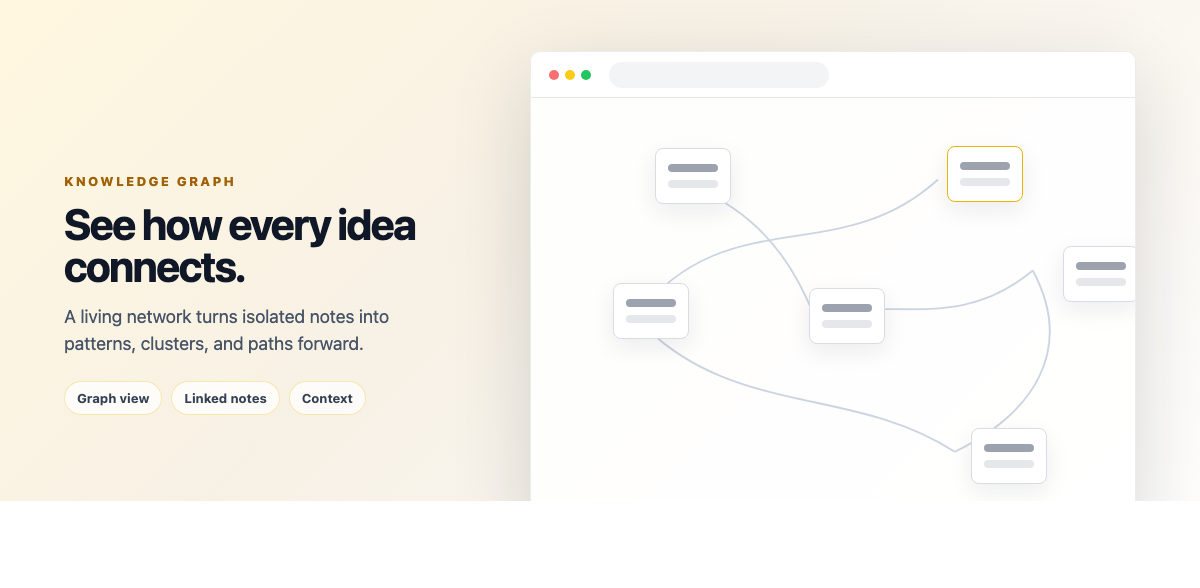
Use the Knowledge Graph feature to visualize connections between your notes. This powerful tool helps you discover relationships you might have missed and gives you a bird's-eye view of your knowledge network. Don't hesitate to rearrange nodes and create new connections as your understanding evolves.
4. Leverage AI-Generated Concept Maps
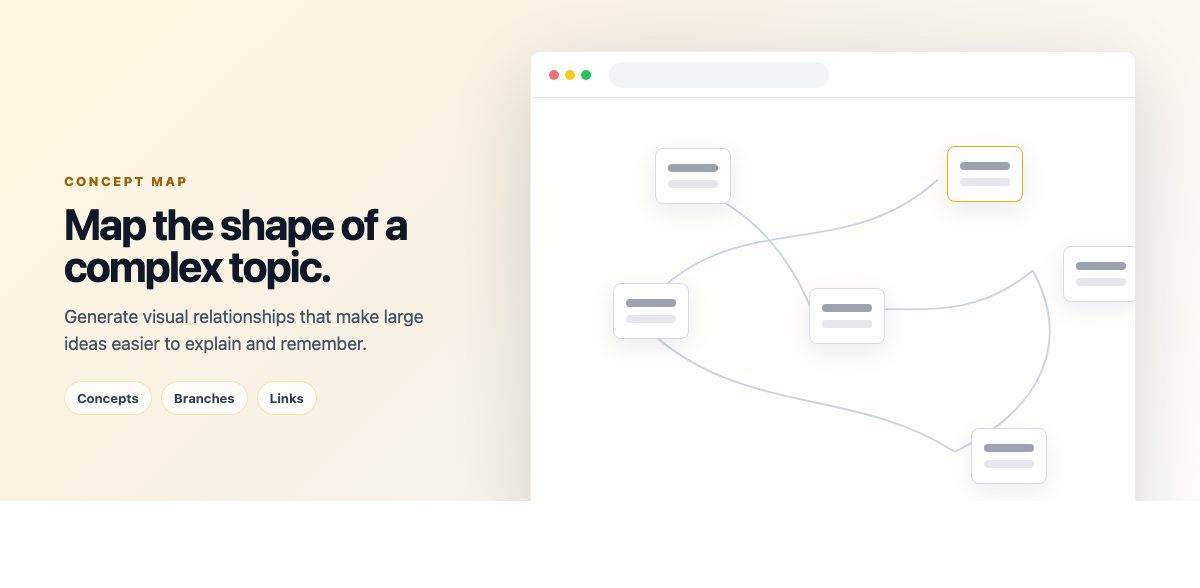
When studying complex topics, let Weavernote's AI create concept maps for you. These visual representations help break down complicated subjects into digestible components and show how different concepts relate to each other.
5. Create Interactive Flashcards
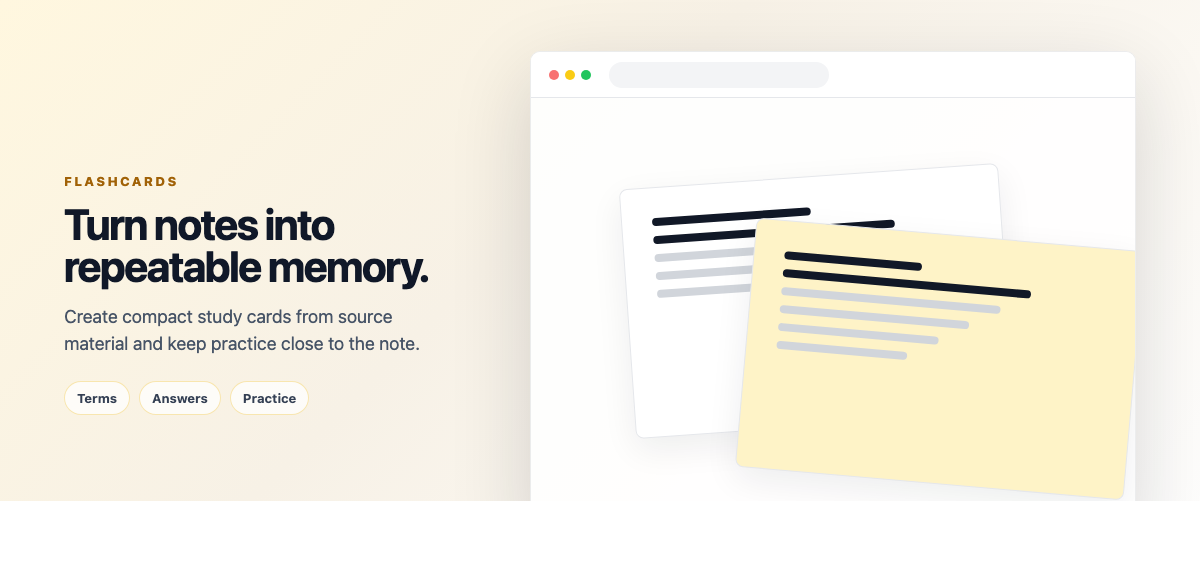
Transform your notes into flashcards for active recall practice. Use the AI-powered flashcard generator to automatically create question-answer pairs from your notes, making revision more efficient and engaging.
6. Use Tags Strategically

Implement a consistent tagging system to make your notes more searchable. Tags can help you quickly find related content across different folders and create dynamic collections of notes based on themes or projects.
7. Generate Infographics
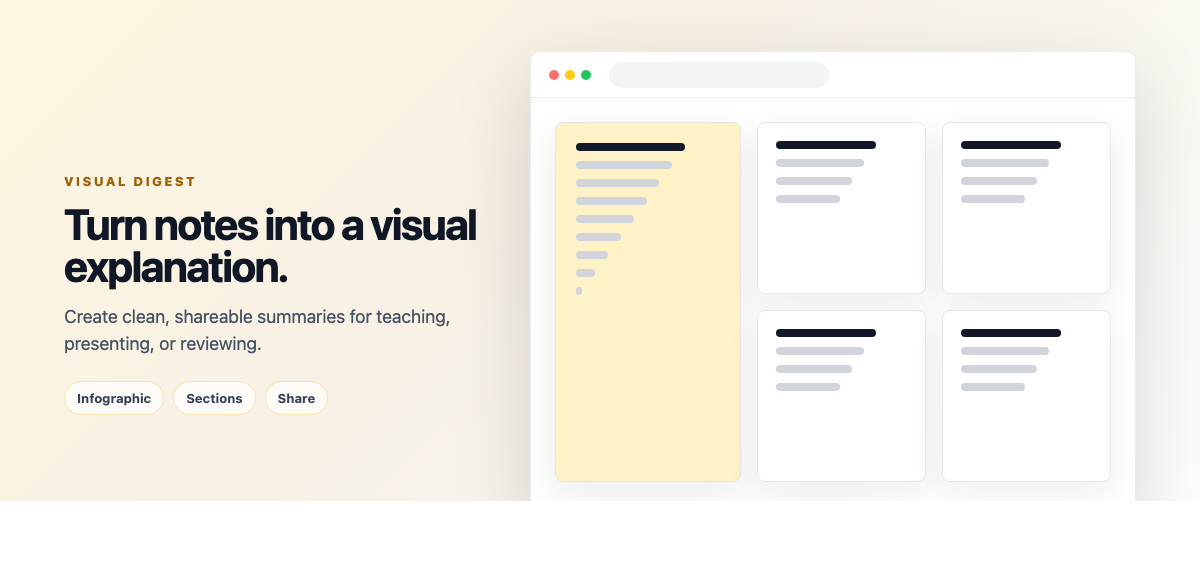
When you need to present information visually, use the AI infographic generator. This feature can transform text-heavy notes into engaging visual content, perfect for presentations or sharing knowledge with others.
8. Regular Knowledge Gap Analysis
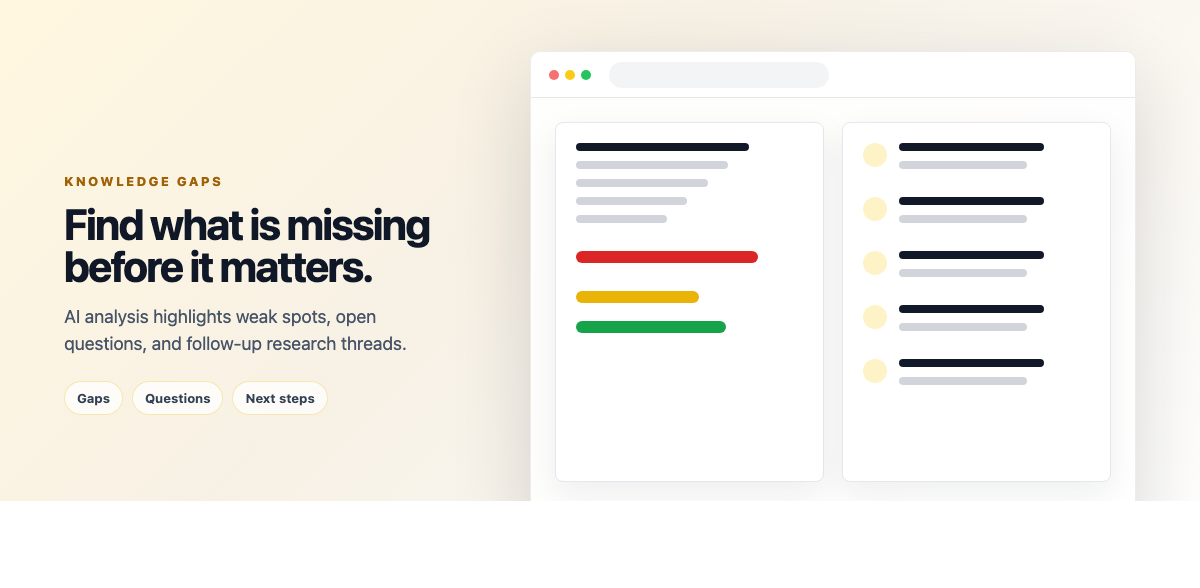
Use the Knowledge Gap Finder regularly to identify areas where your understanding might be incomplete. This AI-powered tool analyzes your notes and suggests topics that need more attention or clarification.
9. Enable Distraction-Free Mode
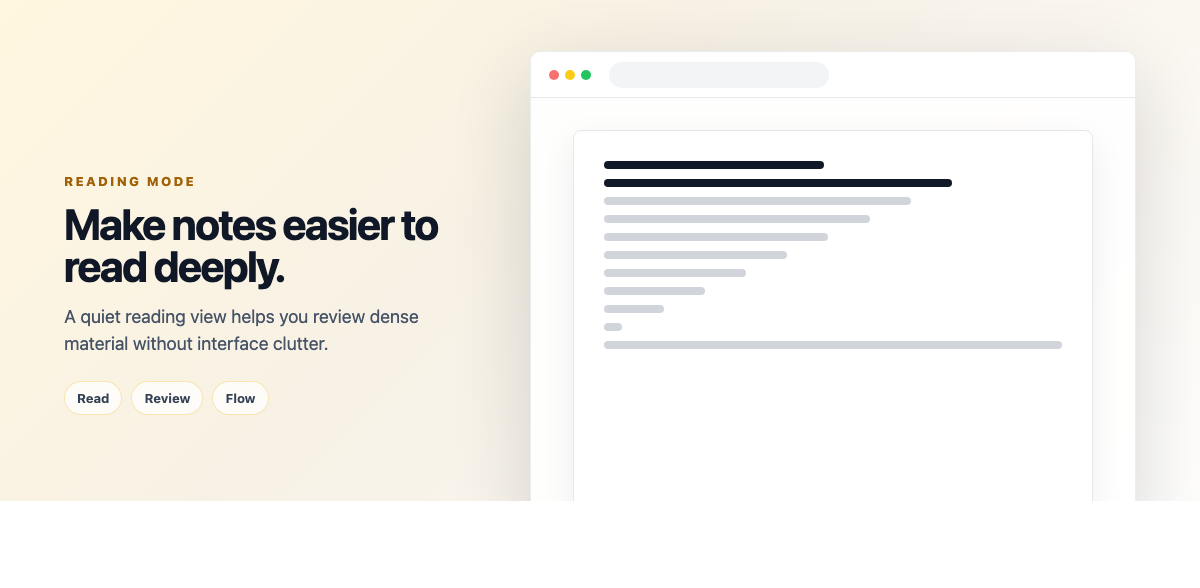
When writing or studying, activate the distraction-free mode to focus solely on your content. This clean interface helps maintain concentration and improves the quality of your note-taking.
10. Test Your Understanding
Regularly use the quiz generation feature to test your comprehension. Let the AI create custom quizzes based on your notes, helping you identify areas that need review and reinforcing your learning through active recall.
Master Weavernote
By following these tips, you'll be well on your way to mastering Weavernote and creating a powerful, interconnected knowledge base. Remember, the key to success is regular use and experimentation with different features to find what works best for your learning and organization style.